> ## Documentation Index
> Fetch the complete documentation index at: https://archie.com/docs/llms.txt
> Use this file to discover all available pages before exploring further.
# Environment variables
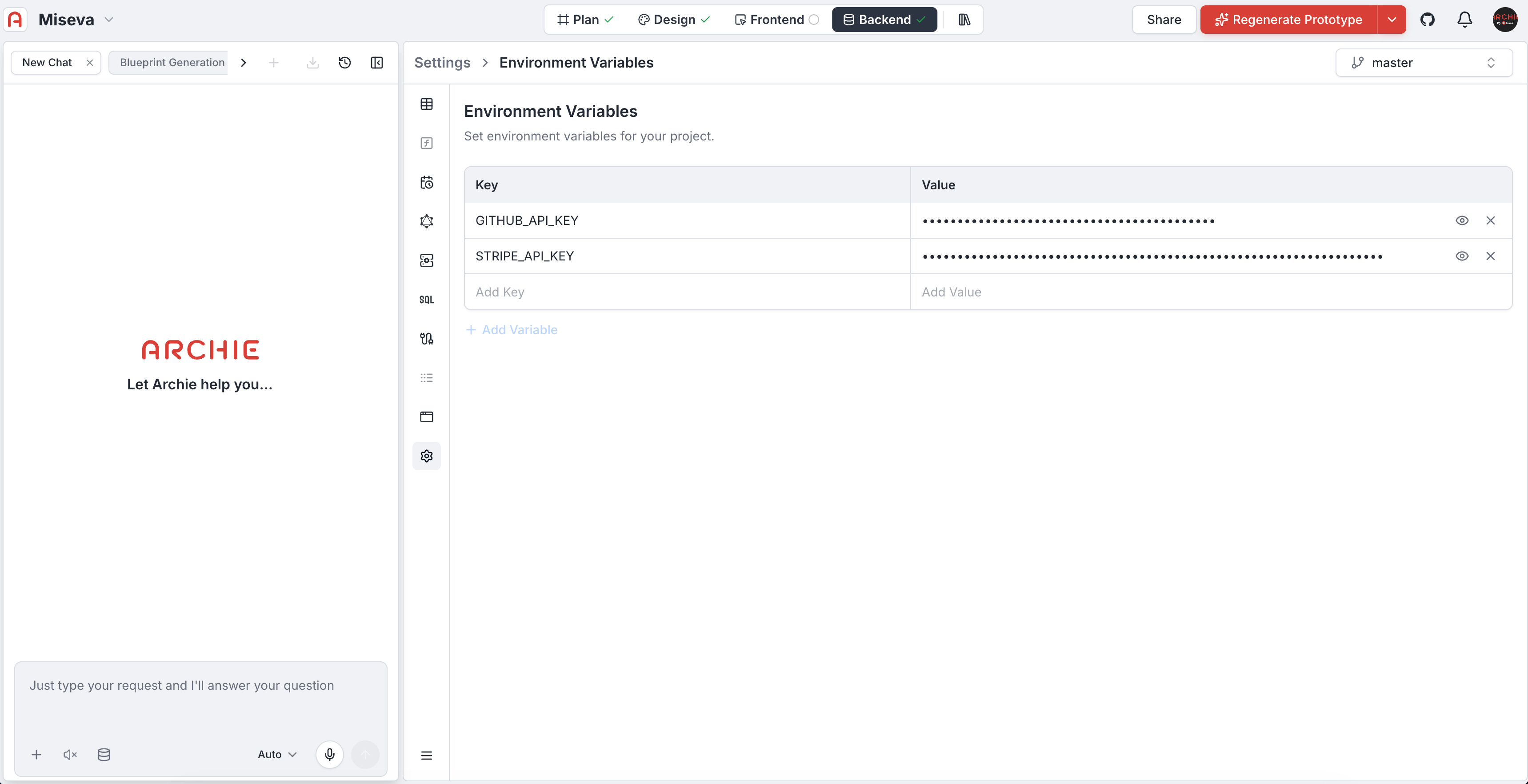
> Set environment variables for your project.
Environment variables hold configuration values your app reads at runtime — API endpoints, feature flags, and any other values that should not be hard-coded.
## Adding a variable
1. Open **Project → Settings → Environment variables**.
2. Click **Add another variable**.
3. Enter the **key** (for example, `STRIPE_PUBLISHABLE_KEY`) and **value**.
4. Click **Save variables**.
 ## Per-environment variables
If your project has multiple [environments](/docs/features/backend/environments/overview) (development, staging, production), you can scope variables per environment. Production-only secrets stay out of development.
## Where variables are used
* **Generated code** reads env vars via the standard mechanism for your stack
* **Custom functions** access them as named values
* **Integrations** that need credentials beyond their own configuration
For integration credentials specifically (Stripe keys, SendGrid API key, and so on), use the [Integrations settings](/docs/features/backend/integrations/overview) — they handle credential rotation and isolation better than raw env vars.
## FAQ
Yes.
## Per-environment variables
If your project has multiple [environments](/docs/features/backend/environments/overview) (development, staging, production), you can scope variables per environment. Production-only secrets stay out of development.
## Where variables are used
* **Generated code** reads env vars via the standard mechanism for your stack
* **Custom functions** access them as named values
* **Integrations** that need credentials beyond their own configuration
For integration credentials specifically (Stripe keys, SendGrid API key, and so on), use the [Integrations settings](/docs/features/backend/integrations/overview) — they handle credential rotation and isolation better than raw env vars.
## FAQ
Yes.